Sooner or later the question reaches every on-premises OpenText estate: should we be in the cloud? It usually arrives through a board paper or an infrastructure strategy, not from the people who run the platform. And it lands on an estate with years of configuration, modules, integrations and records policy that nobody wants to lose along the way.
With Content Management 26.2, OpenText has started to make that question easier to answer. This article explains what OpenText Private Cloud is, what the new 26.2 tooling does, and what it means if you are staying on premises for now.
What OpenText Private Cloud is
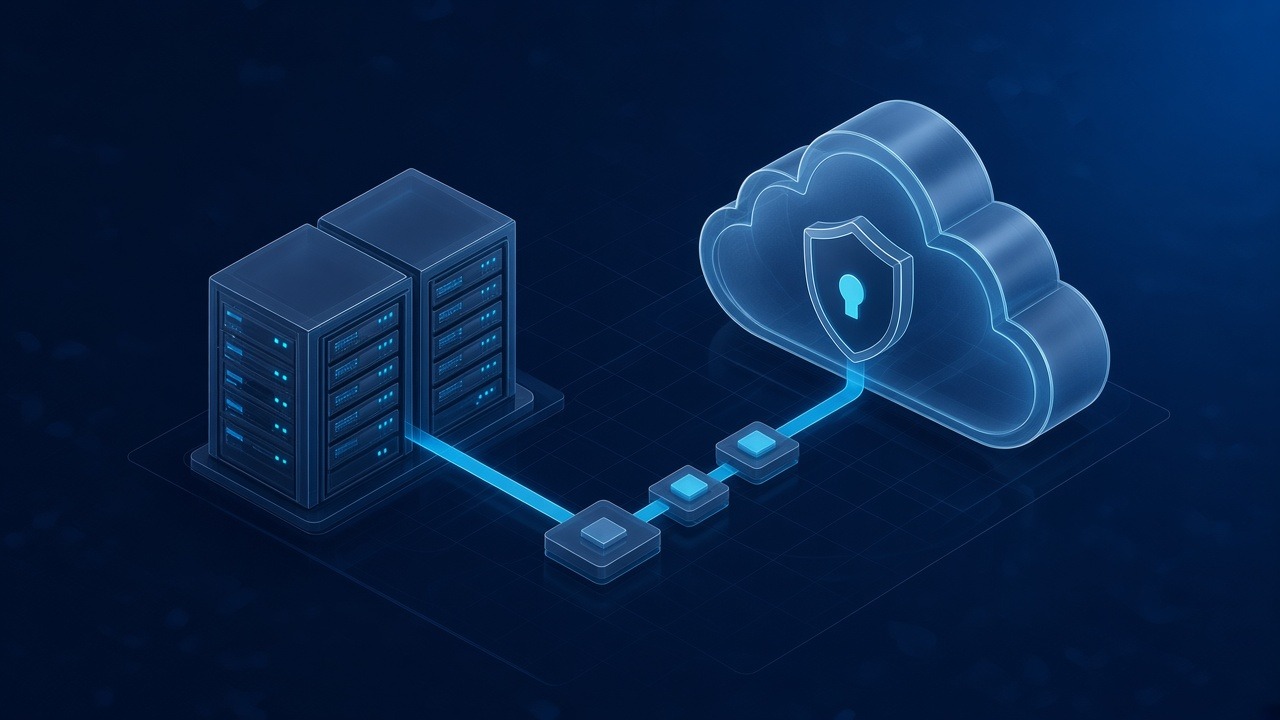
OpenText describes its Private Cloud as a dedicated, single-tenant environment in which your resources are isolated. In the Private Cloud model, OpenText hosts, maintains and operates the application and the cloud infrastructure. Its experts operate and monitor the infrastructure, install upgrades and patches, and look after security, availability and performance. Your team focuses on configuring workflows and managing business scenarios. OpenText also notes that customers keep control over the timing of software upgrades.
So a move changes who does what, not only where the servers are. That is worth understanding before anyone draws up a migration plan.
What 26.2 adds
OpenText describes Content Management 26.2 as introducing its first steps towards a better technical foundation for migrating from on premises to OpenText Private Cloud. According to OpenText, the new tooling:
- helps organisations assess Private Cloud readiness earlier, by evaluating dependencies, customisations and migration scope up front
- helps bring supported content and configurations into Private Cloud, preserving business context
- is an initial release, which OpenText expects to expand in future releases with broader coverage, more automation and greater visibility
Two words in that description matter: first and supported. This is the start of a clearer migration path, and OpenText is open that more will follow. Anything outside the supported scope, such as custom modules or bespoke integrations, still needs its own assessment.
What it means if you are staying on premises
Nothing in 26.2 obliges you to move. OpenText continues to release Content Management for on-premises deployment, and for many organisations 26.2 is itself an on-premises upgrade. But the new tooling changes the planning in two useful ways.
First, readiness can be assessed earlier. The questions that decide whether a migration is straightforward or painful are what has been customised, what depends on what and what is actually in use. Those are the same questions that decide whether an on-premises upgrade is safe, so the evidence serves both.
Second, version matters. The tooling arrives in a current release. An estate several versions behind, or one on a release that has left Current Maintenance such as Content Server 21.4, will usually need to get current first. Our plain English guide to Content Server 26.2 explains what that release involves.
Readiness starts with the estate you run today
Migration surprises rarely come from the content itself. They come from what has built up around it over the years. A practical readiness record covers:
1. Inventory: Content Server, OTDS, Archive Center, every module and add-on, with exact versions in every environment.
2. Customisations: what has been changed, by whom, and whether it is still used. System Center's Update Analysis, which marks each file as new, verified or different, is a quick way to see where an estate departs from the standard release.
3. Integrations: SAP, Microsoft 365, Salesforce and any others, with the authentication method each one uses.
4. Records and holds: what must move with full integrity, and who signs that off.
5. Ownership: who decides scope, who approves the plan, and who keeps the on-premises estate stable until cut over.
6. Recovery: a tested restore of the database, file store and search index, taken at the same point in time.
The 15 OpenText estate health checks cover much of this and are written to be run without us.
Keep the current estate stable along the way
A migration programme can take months, and the on-premises estate still has to run every day until cut over. That is often when operational attention slips. Specialists are drawn into the programme, routine patching waits, and the system that holds the organisation's records becomes the one fewest people are watching.
This is where Nuca fits. We do not deliver migrations; that work stays with OpenText or your implementation provider. We run live OpenText estates, covering the platform, the database underneath and the business administration layer, under one SLA. Before a migration, that means a stable, well documented estate and clear evidence for the readiness assessment. During it, it means the system the business still relies on keeps running.
Talk to Nuca
If OpenText Private Cloud is on your roadmap and you want a clear view of where your on-premises estate stands today, book a free 45-minute continuity check call. You describe the estate and the plan; we tell you what would need attention first. If nothing does, we say so.
Sources
- OpenText Blogs, What's new in OpenText Content Management (24 June 2026), 26.2 'a clearer path from on-premises to private cloud': blogs.opentext.com
- OpenText Blogs, Modernize your content foundation for the agentic AI era (13 May 2026), migration tooling evaluates dependencies, customisations and migration scope: blogs.opentext.com
- OpenText, Private cloud deployment page, dedicated isolated environment: opentext.com/deployment/private-cloud
- OpenText Blogs, OpenText Capture now available in the OpenText Private Cloud (8 January 2026), single-tenant model, division of responsibilities, control of upgrade timing: blogs.opentext.com
- Nuca Systems, Ready for Content Management 26.2 (System Center Update Analysis): nucasystems.com
Frequently asked questions
Related reading